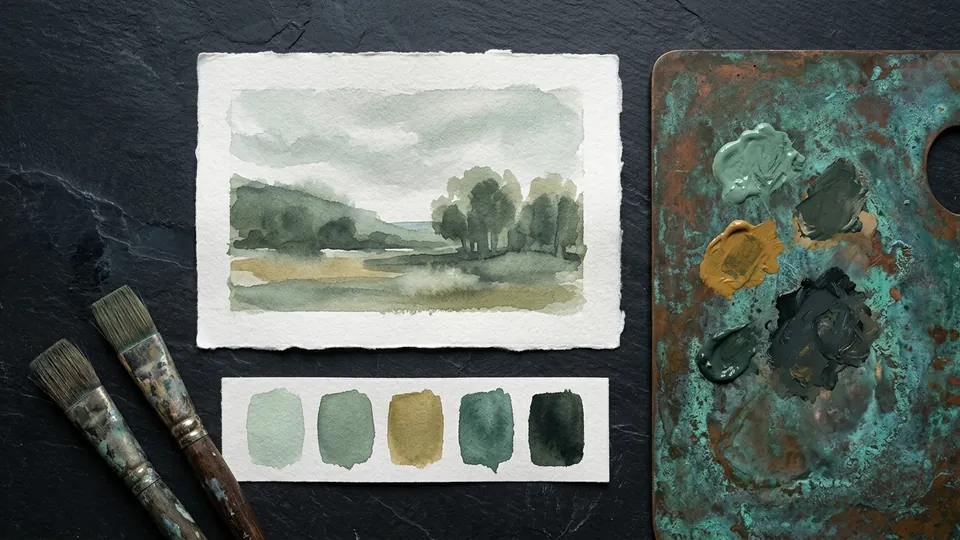
Pillar
Digital Painting
Light, color, and rendering. How to move from flat shapes to painted form using values, edges, and considered brushwork, in the order that makes each digital painting read before you touch a single hue.
Digital painting is the craft of turning flat shapes into believable form using value, edge, and light. This pillar is deliberately fundamentals first: the same four ideas, values, edges, light, and color, carry every painting regardless of subject or style, and the same four ideas are what most stalled paintings are missing. Nothing here depends on a particular app or an expensive brush.
The order matters more than any single tutorial. Value decides whether an image reads at all, so it comes first. Edges decide where the eye goes and what a surface is made of, so they come second. Blend modes are the digital machinery for placing light and shadow once you know where they belong. Learn them the other way round and you end up with a clever layer stack wrapped around a painting that still does not read.
The reading order, and what each tutorial gives you
Begin with values before color. It explains why muddy or wrong looking color is almost always a value problem, then has you block the whole image in three greys, a light, a mid and a dark, check it with the squint test, and only then add color on a Color or Overlay layer. When the values hold, almost any palette works, which is why the tutorial pairs with the muted color palette collection, whose swatches are ordered by value for exactly this step.
Next, hard and soft edges. It names four edges rather than two, hard, firm, soft and lost, gives the transition width of each in pixels on a 2000 px canvas, and sets a budget: hard edges on about 10 percent of the boundaries in a finished painting, all of them at the focal point, with the rest softening as they move away. A ten minute sphere exercise puts the whole vocabulary on one object.
Then layer blend modes for shading, which turns the first two tutorials into a layer stack: Multiply carries shadow and holds the surface hue, Screen lightens gently for soft light and glow, Add is reserved for the few hottest highlights, and Overlay pushes contrast and temperature to unify the image. The stack sits above your flats and can be changed at any stage. Keep the layer modes cheat sheet open while you work; it sorts every mode into four families with a starting opacity for each.
| Read | The question it answers | The exercise |
|---|---|---|
| Values before color | Why does my color look wrong? | Three grey block-in, squint test, color on top |
| Hard and soft edges | Why does my painting feel stiff or blurry? | Three spheres in ten minutes: hard, soft, lost |
| Layer blend modes for shading | Which mode goes where? | A four layer shadow and light stack above flats |
| Layer modes cheat sheet | What does this mode do to the pixels? | Printable reference by family and opacity |
The mistakes this pillar is built to remove
Color chosen before value, so the image only reads at full size. Every edge hard, so the painting looks cut from paper, or every edge soft, so it has no focal point. Shadows painted with an airbrush on a Normal layer, so they float and flatten. A Multiply layer used for everything, including highlights. Each tutorial names the symptom, shows what it looks like and gives the fix in a table you can keep open during critique.
For materials, the free painterly brush set covers blocking, blending and rendering with a hard round, a blender and a bristle brush, and a pass of the paper and canvas textures at low opacity finishes a piece. The getting started guide to the free brushes covers installing them and tuning the pressure curve before you judge a brush.
These fundamentals feed both other pillars. A character from the character and anime art pillar reads from across the room only when its values are sorted, and the value and edge knowledge here is the same eye that the process and provenance pillar uses to judge whether a picture was built or generated. Digital painting, learned in this order, is a way of seeing before it is a way of rendering.
Techniques in this pillar
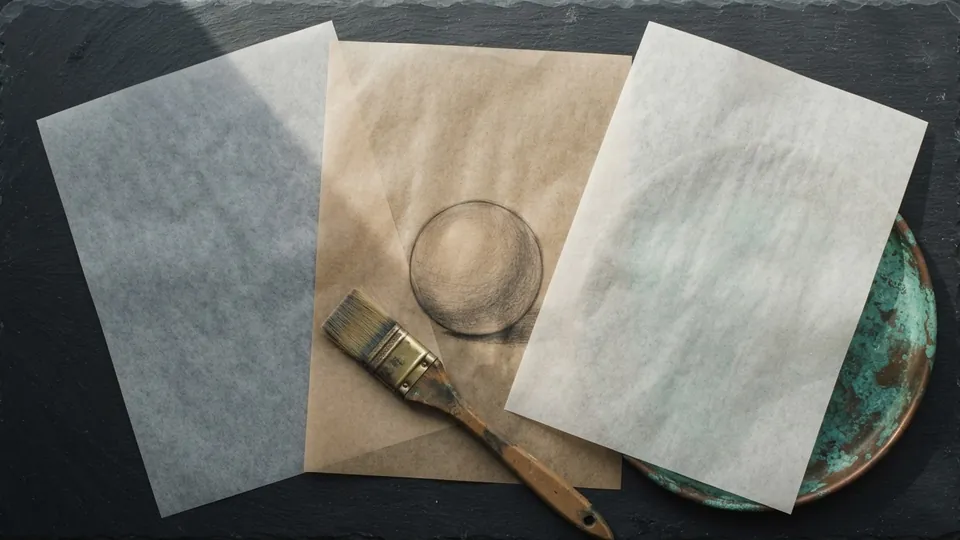
Plate 01 Layer Blend Modes for Shading, Explained
Multiply, Screen, Overlay and Add do most of the work in digital shading. Here is what each one is for, the stack that uses them, and the order to build it.
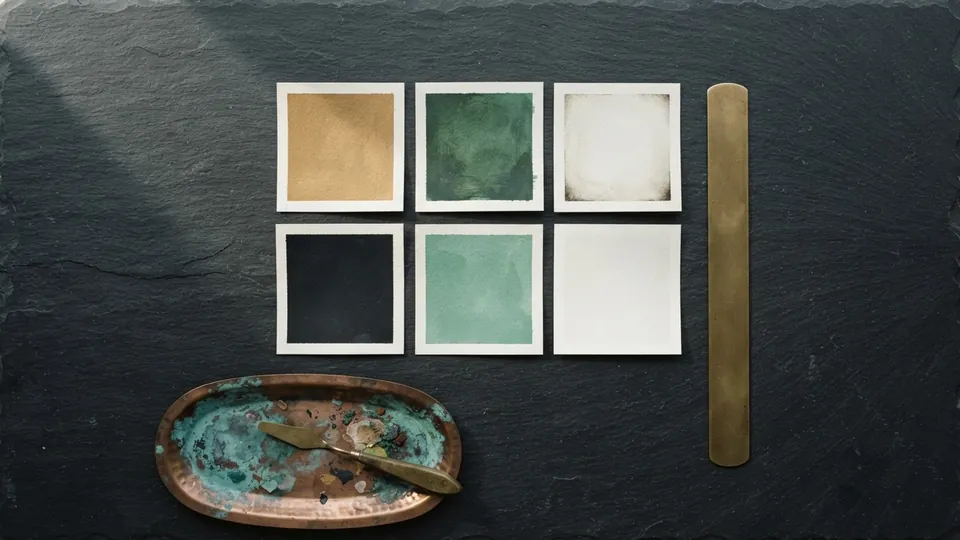
Plate 02 Blend Modes Cheat Sheet for Digital Painting
The blend modes that do the real work in digital painting, what each does to the pixels beneath it, the job it is best suited for, and a starting opacity. Keep it open while you paint.
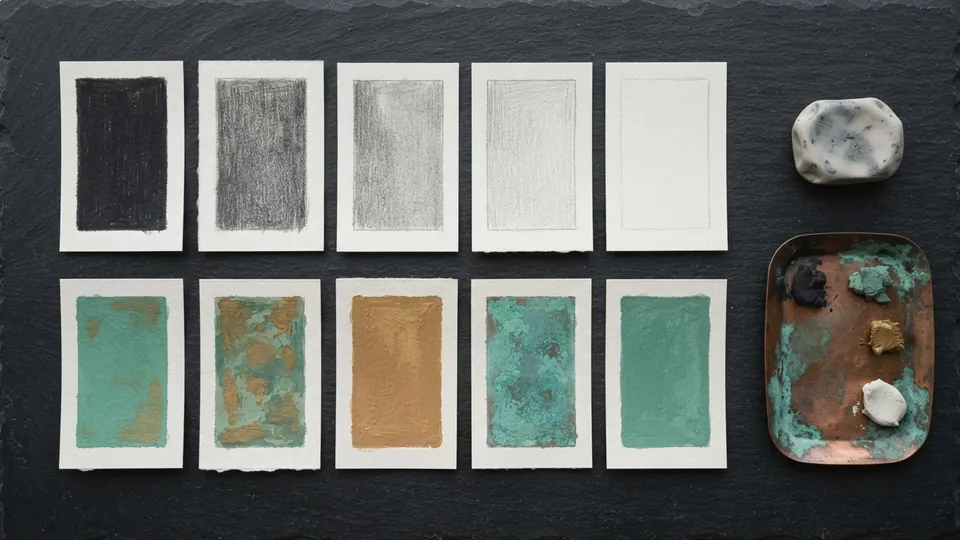
Plate 03 Values in Painting: Why Your Color Looks Off
If a painting looks wrong in color, it is almost always wrong in value. Build the value structure in three greys before you touch hue, and color becomes the smaller half of the job.
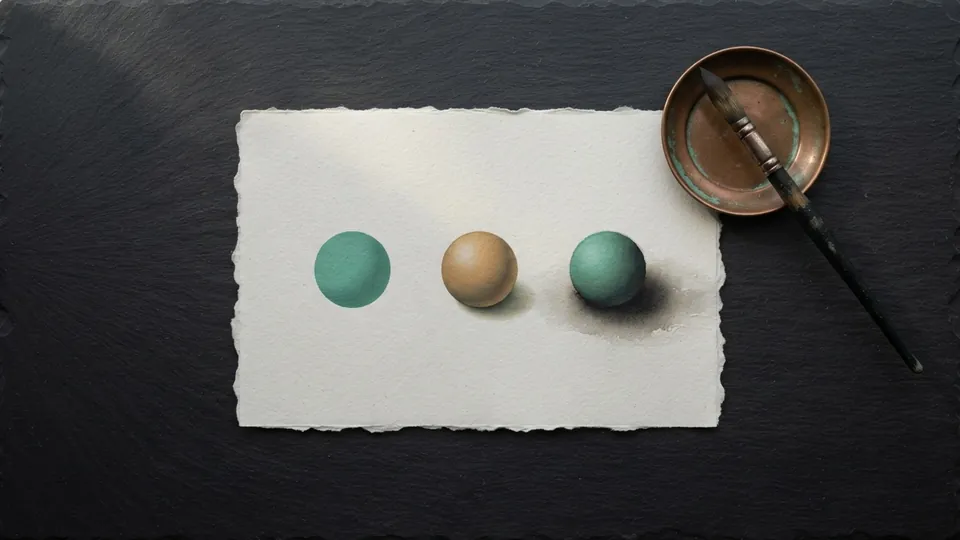
Plate 04 Hard and Soft Edges: Controlling the Eye
Edges are a language. Where you put hard, soft and lost edges tells the viewer where to look, what a surface is made of, and how fast a form turns away from the light.
Common questions
Should I learn to draw before I paint?
They reinforce each other, but you do not have to master drawing first. Painting fundamentals like value and edge control are their own skill set and are worth learning in parallel. The sphere exercise in the edges tutorial needs no drawing at all, only a circle and a light direction.
Why do my colors look muddy?
Almost always a value problem rather than a color problem. Build a solid greyscale value structure first, then add color on top on a Color or Overlay layer. The values before color tutorial covers exactly this, and the muted palettes are ordered by value so the fix is a swatch pick rather than a guess.
Do I need expensive software for digital painting?
No. Every technique here works in free painting apps, and the free brush sets on this site cover blocking, blending and rendering. Blend modes are defined by a public specification, so Multiply, Screen and Overlay behave the same everywhere. The craft is in the decisions rather than the tool.
How long does it take to get good at digital painting?
Value and edge control show up in your work within a few weeks of deliberate exercises, because they are ways of seeing rather than hand skills. Do the three grey block-in and the ten minute sphere exercise daily for a month and compare a painting from the start of the month with one from the end.
Related reading
- Blend Modes Cheat Sheet for Digital PaintingThe blend modes that do the real work in digital painting, what each does to the pixels beneath it, the job it is best suited for, and a starting opacity. Keep it open while you paint.
- Painterly Brush SetSixteen textured round brushes for blocking, blending, and rendering in digital painting. Most finished pieces need only three of them.
- Muted Color Palette CollectionTwenty considered palettes in low saturation ranges for skin, fabric, and atmosphere. Eight swatches each, ordered from light to dark.
- Character & Anime Art pillarDraw expressive faces and figures by hand.